Check Exif on Windows and Mac
No installation required. Use this web tool in your browser on Windows, Mac, or mobile devices, even on locked-down computers.

Load a photo in your browser to view capture date, camera, lens, aperture, ISO, GPS data, shutter speed, and JPEG structure. If maker data is present, you may also see shutter count.
Use EXIF Styler to add a white border and overlay shooting details directly onto the image.
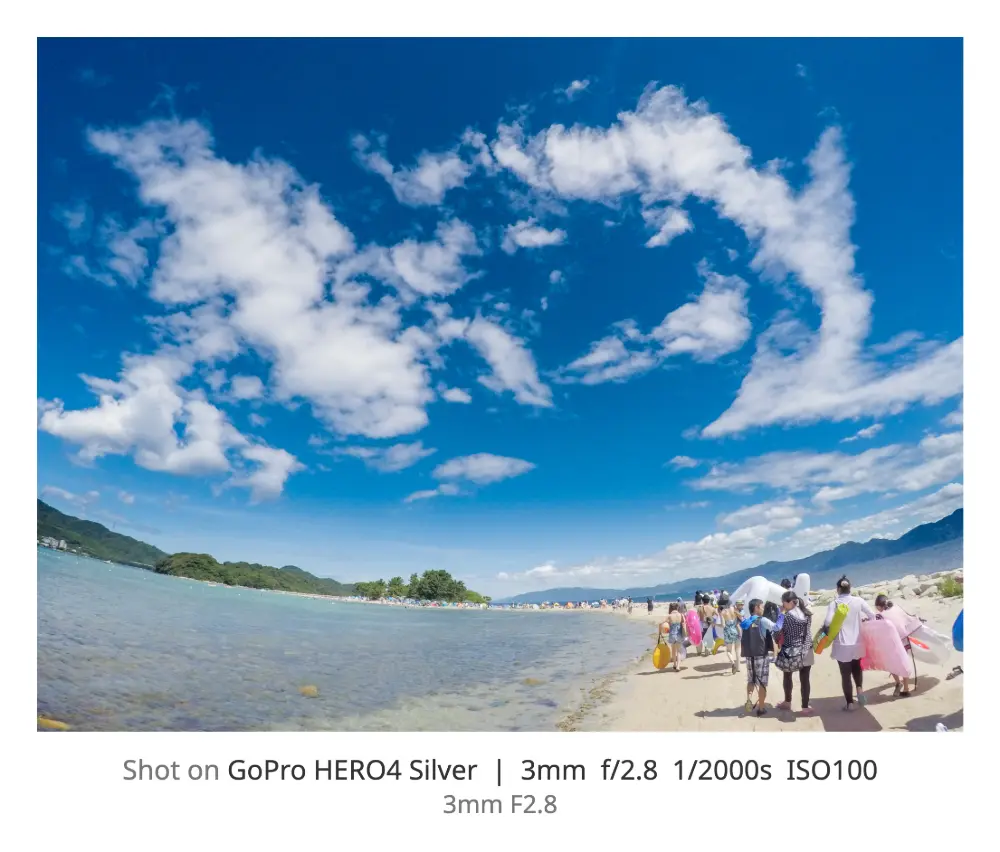
This tool analyzes capture date, exposure time, aperture, ISO, camera, lens, GPS, image size,
and JPEG segments directly in your browser. Search and section filters help you find the right
fields quickly without installing software on Windows or Mac.
Shutter speed is displayed when it exists in Exif. Shutter count appears only when the camera
stores it in MakerNote data, so it is a quick pre-check before using exiftool.
Use this before removing or editing Exif, converting to JPEG, or creating Exif frames. This page
only displays metadata and supports copy plus CSV/JSON export. It does not edit or delete image
data.
No installation required. Use this web tool in your browser on Windows, Mac, or mobile devices, even on locked-down computers.
If GPS data is present, the viewer shows latitude, longitude, and altitude. Useful before sharing photos publicly.
Exposure time and shutter speed are displayed clearly. Shutter count is detected only when MakerNote data includes it.
See which metadata remains before using Exif removal tools, Exif editors, JPEG conversion tools, or Exif frame generators.
Works with any digital camera or smartphone photo that contains Exif data.