
1Enter your text
2Choose a style
3Customize the effect
Creating video
Turn Any Word Into a Jackpot-Style Text Animation
The Animated Text Effect Generator adds moving sparkles, fire, gold coins and lightning to your words, then turns them into a 5-second MP4 with sound effects or an animated GIF. The over-the-top look is inspired by Japanese pachinko machines and Vegas-style slot machine “big win” screens. You don't need a video editor or After Effects—everything runs in your browser. Need a still image instead? Try the Text Effect Generator.
Live Preview
The animation plays as you type or switch styles. Drag the seek bar to check any moment.
Nothing Gets Uploaded
The animation and the MP4 are both created in your browser. Your text never leaves your device.
Sound Effects Included
Every style comes with matching sound effects—impact booms, clinking coins, crackling fire or a victory fanfare.
Animated Text Examples
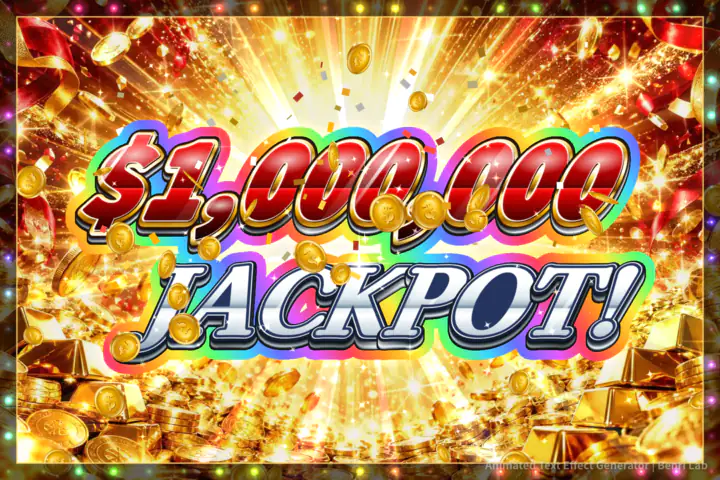
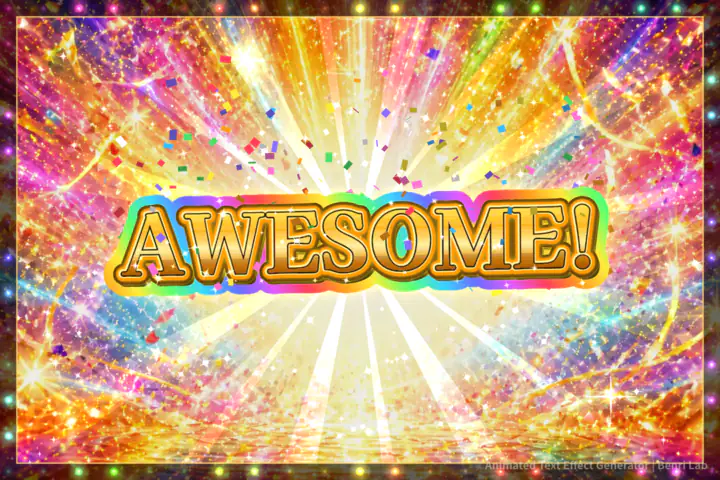
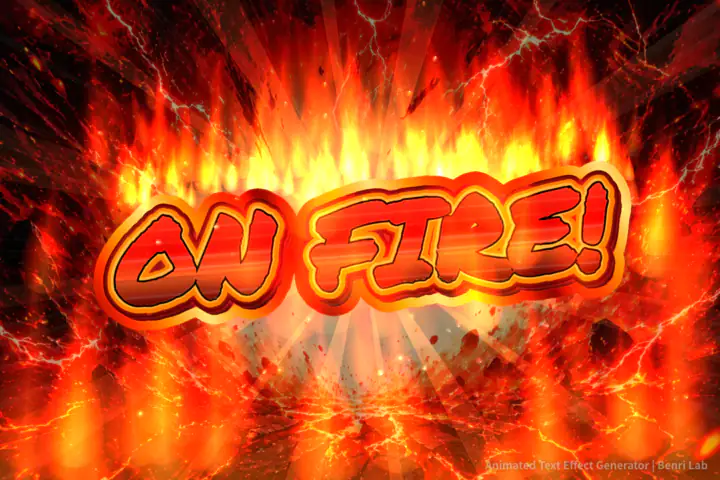
Each image is a frame from a video made with this tool. Click “Try This Style” to load the same look into the preview.

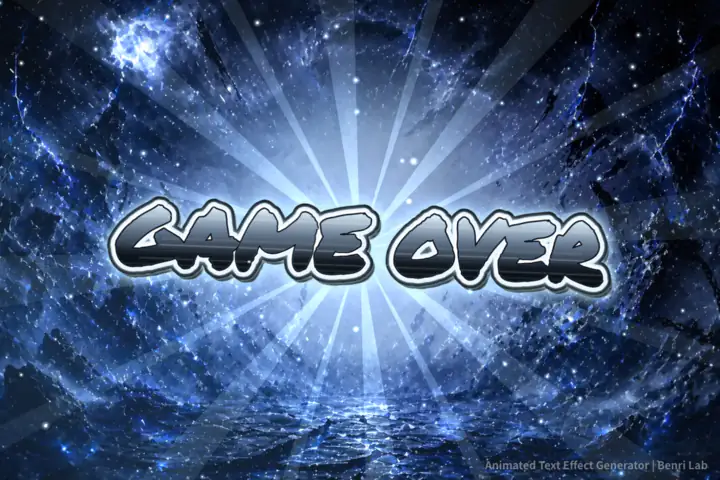
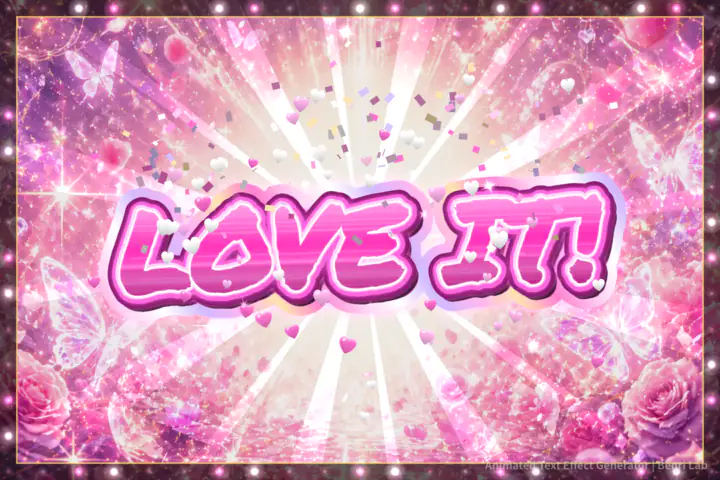
Every Style Has Its Own Animation
Picking a style switches everything at once: the moving particles, the way the outline shines, and the colors of the lightning and confetti.
Sparkling Gold Text
Gold or rainbow outlines shimmer while sparkles and light streaks sweep across your words, with falling glitter and twinkling stars.
Slot Machine–Style Hype
Blackout, speed lines, a text slam and an explosion, then a rainbow big-win finale—all packed into 5 seconds.
Blazing Fire, Frozen Ice
Inferno sends flames up from the letters, Doom Ice adds mist and snow, Dark Purple crackles with lightning and Chrome Glitch shakes with digital noise.
Money Rain
Gold coins rain down and gold confetti bursts at the big-win moment. Type a dollar amount for an instant jackpot meme.
Seamless Loops
The Loop animation ends exactly where it starts, so it's great for stream overlays and repeating social posts. Turn off the background image to keep only the text and its effects.
How to Make an Animated Text Video
Type your text
Enter a word or short phrase such as BIG WIN!, LET'S GO! or $1,000,000 JACKPOT!. Add a line break to choose where the second line starts.
Pick a style and an animation
Choose a style such as Money Rain, Victory Gold or Inferno, then choose Hype or Loop under the preview. You can also adjust the text size, outline, background and sparkles.
Download an MP4 or GIF
Click Download Video (MP4) to create a video with sound effects (5 seconds, or 7 seconds for the Jackpot Gold hype animation). Click Save as GIF for an animated GIF, or switch to Still to download a PNG.
Guides for Popular Looks
Make a BIG WIN or Jackpot Animation
- Under “Choose a style,” pick Money Rain (or Victory Gold for a single line of text).
- Type a dollar amount on the first line and a word on the second, such as $1,000,000 and JACKPOT!. With Money Rain, the first line becomes red metallic text and the second line silver. A dollar amount moves to the first line automatically, even without a line break.
- Choose Hype for falling coins and a big-win climax, or Loop for a repeating animation.
- Click Download Video (MP4) for a video with sound, Save as GIF for a silent animation, or switch to Still to download a PNG.
The effect is an original casino-style design and doesn't reproduce any real slot or pachinko game.
Get a Rainbow Casino-Style Outline
- Four styles get a rainbow outline: Fire Burst, Glitter Gold, Victory Gold and Money Rain.
- With Hype, the outline and the glow behind the text turn rainbow at the big-win moment, about 3.5 seconds in. With Loop, the outline stays rainbow the whole time.
- When Background Image is off, the outline turns gold so a chroma key can remove the solid background cleanly. Keep Background Image on if you want the rainbow.
- The rainbow outline is part of the animation, so it appears in MP4s and GIFs but not in Still (PNG) mode.
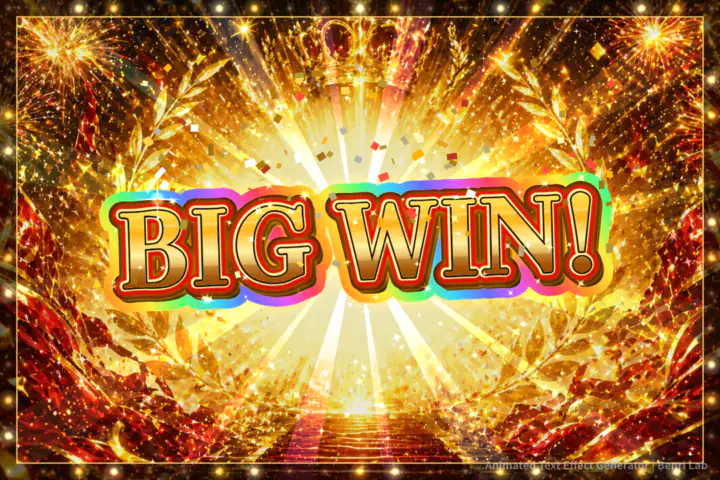
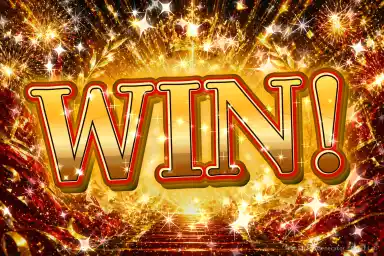
Make 3D Gold Text
- The letters get their 3D look from stacked, offset layers and multiple outlines.
- Raise “Outline” for thicker depth and outlines, or lower it for a cleaner look. “Text Size” and “Tilt & Shake” also change the feel.
- Depth and outline colors change with each style. Victory Gold, shown above, adds red depth to gold letters.
This is a 3D-style effect on flat text. It doesn't create 3D models or text you can rotate in 3D.
Use It as a Stream Alert or Green Screen Overlay
- Turn off “Background Image” and pick green, black or white.
- Choose Loop for an always-on overlay, or Hype for a one-time alert.
- Download the MP4, add it to OBS, Streamlabs or your video editor, and apply a chroma key filter to remove the solid color.
MP4 vs. GIF vs. PNG
| Format | What you get | Best for |
|---|---|---|
| MP4Video | Sound effects included. 5 seconds (7 seconds for the Jackpot Gold hype animation). 4K (3240×2160, 60 fps) or FHD (1620×1080, 30 fps), both 3:2 landscape. | Social posts, video edits and stream graphics |
| GIFAnimated image | 480×320 at 15 fps. No sound, up to 256 colors. | Short animations for chats, Discord and blogs |
| PNGStill image | Saves a 1536×1024 image in Still mode. Animated touches and the rainbow outline aren't included. | Thumbnails, title cards and memes |
Frequently Asked Questions
What kind of videos can I make?
Animated text videos where sparkles, fire, gold coins, lightning and confetti move around your words. Videos are 5 seconds long (the Jackpot Gold hype animation runs 7 seconds with extra confetti). The default is 4K (3240×2160) at 60 fps and about 20 Mbps; choose FHD 30fps (1620×1080, about 10 Mbps) for a lighter file. Both are 3:2 landscape MP4 (H.264) videos.
What's the difference between Hype and Loop?
Hype starts dark, slams your text onto the screen with an explosion and finishes with a rainbow big-win climax. Loop connects the last frame to the first, so it repeats seamlessly.
Can I make a slot machine–style BIG WIN or jackpot animation?
Yes. Pick Money Rain or Victory Gold, type BIG WIN!, JACKPOT! or a dollar amount, and use the Hype animation. Gold coins fall, the text slams in and the outline turns rainbow at the big-win moment. It's an original casino-style effect and doesn't copy any real slot game.
Why isn't my text turning rainbow?
Only Fire Burst, Glitter Gold, Victory Gold and Money Rain get a rainbow outline. In Hype it appears at the big-win moment (about 3.5 seconds in); in Loop it stays rainbow the whole time. When Background Image is off, the outline turns gold so a chroma key can remove the solid background cleanly.
Can I use it as a Twitch alert or on a green screen?
Yes. Turn off Background Image and pick black, white or green. The video then shows only your text and the effects around it, so you can remove the background with a chroma key filter in OBS, Streamlabs or your video editor.
How long does it take to make a video?
On a computer it usually takes 30–40 seconds at 4K 60fps and a few seconds to about 15 seconds at FHD 30fps, depending on your device. The first time you click download, the tool loads its video encoder (about 20 MB). You can stop at any time with Cancel.
Does it work on my phone?
Yes. It runs in mobile browsers with nothing to install, and phones start at the lighter FHD 30fps setting. Older phones or phones with little free memory may fail to create the video. If that happens, close other apps and tabs and try again, or use a computer.
Do I need Photoshop, After Effects or a video editor?
No. Everything happens in your browser, so you don't need Photoshop, After Effects or a video editing app. The tool saves MP4, GIF and PNG files, not editable project files such as PSD or AEP.
Can I save a still image?
Yes. Switch the preview to Still to download a PNG. Animated touches such as the rainbow outline appear only in videos and GIFs. For still images with more canvas sizes and a transparent background, use the Text Effect Generator.
Does the video have sound?
Yes. Each style has its own sound effects, such as a deep impact boom, crackling fire, clinking coins, shattering glass and a victory fanfare, and they're included in the MP4. Use the speaker button to turn sound off. In the preview, sound starts after you click the page once.
Can I save it as a GIF?
Yes. Click Save as GIF to download a 480×320, 15 fps animated GIF. GIFs are limited to 256 colors and have no sound.
Can I get an animated WebP instead of a GIF?
This tool saves MP4 and GIF. Convert the MP4 with the Video to WebP tool to get an animated WebP with better colors and a smaller file than a GIF.
Is my text uploaded anywhere?
No. Drawing and video creation happen on your device, right in your browser.
Which characters can I use?
Letters, numbers and common symbols all work. Add a line break to split your text into two lines. With Money Rain, a dollar amount such as $1,000,000 automatically goes on the first line.