
1Enter your text
2Choose a style
3Customize the effect
Loading images and fonts.
High-resolution PNG. No sign-up required.
Create Bold Text Images in Seconds
Make eye-catching text art right in your browser. Pick a bold style such as 3D gold, fire, glitter or money rain, customize your text, and download the finished image as a high-resolution or transparent PNG. The look is inspired by “hademoji,” the loud, flashy lettering you see on Japanese pachinko machines and game shows. Want your text to move? Try the Animated Text Effect Generator.
Instant Preview
See your text update as you type, switch styles or adjust an effect.
Transparent PNG
Remove the background while keeping the text, outline, glow and decorative effects.
Five Canvas Sizes
Export square, portrait, landscape or vertical artwork for YouTube, Instagram, TikTok and more.
Text Effect Examples
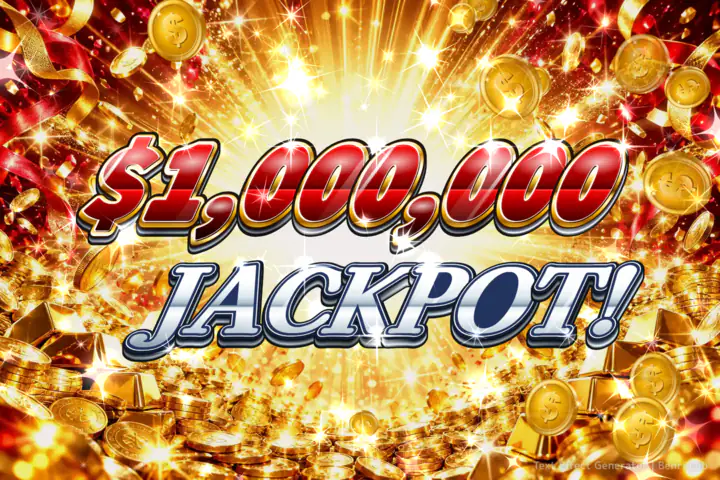
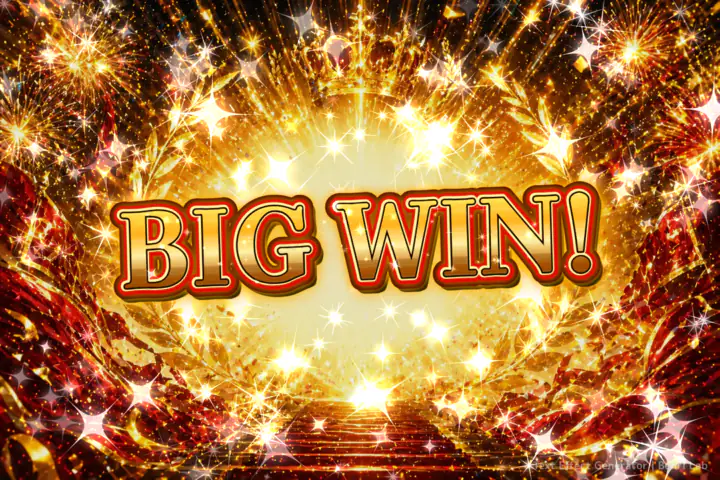
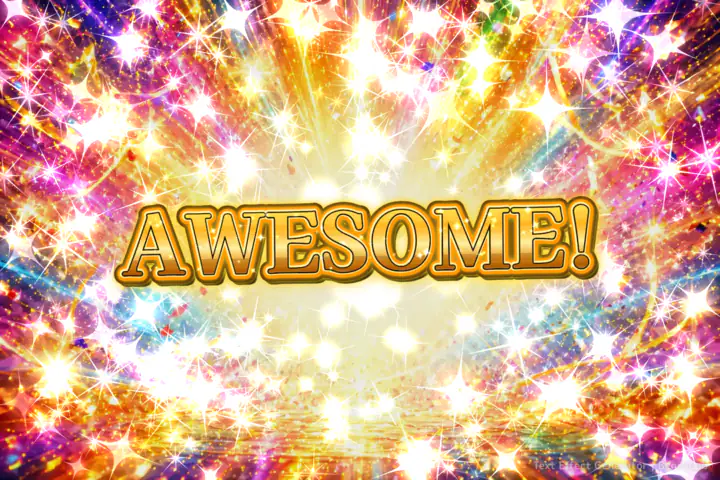
Every image below was made with this tool. Click “Try This Style” to load the same style into the editor.
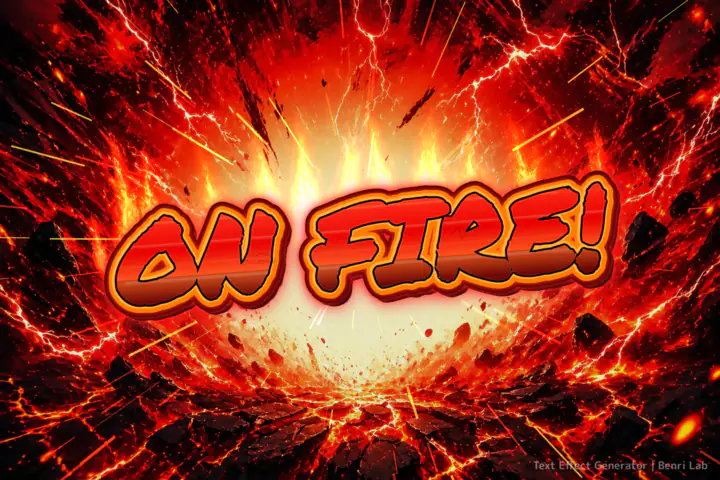
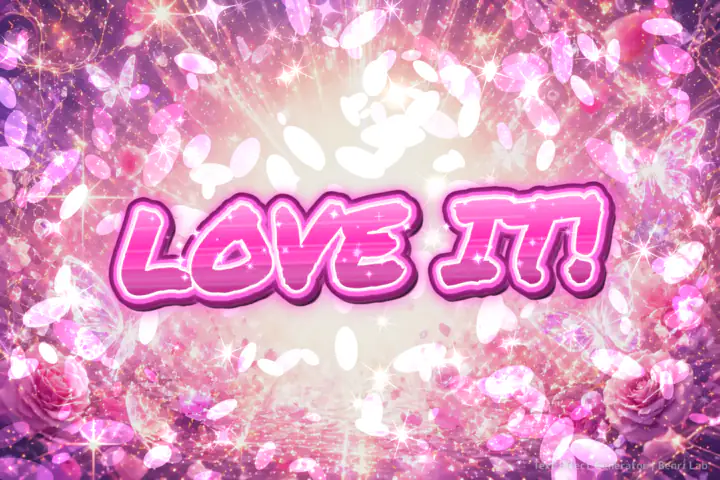
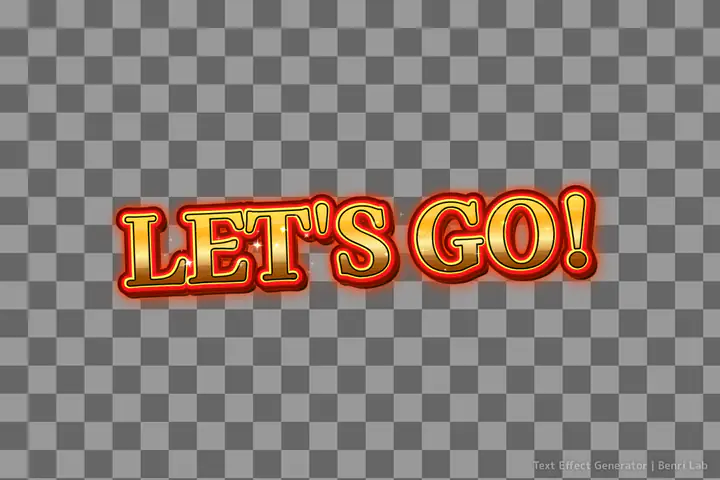
Text Effects You Can Make
Gold Text
Create shiny gold lettering for thumbnails, celebration graphics, game-style images and bold social posts.
3D Text
Every style adds stacked depth and layered outlines, so your words look like 3D lettering without any 3D software.
Fire Text
Turn your words into hot, dramatic text with fiery colors and strong outlines.
Glitter Text
Make sparkling text for social posts, fan graphics, celebrations and fun designs.
Money & Jackpot Text
Money Rain splits a dollar amount and a word into red metallic and chrome lines, with gold coins all around—perfect for casino-style memes.
Dark Text
Create dramatic dark text for horror-style graphics, memes and intense messages.
Perfect for Thumbnails, Memes and Social Posts
Use your finished text in YouTube thumbnails, TikTok videos, Instagram posts, memes, presentation graphics, game-style designs and other creative projects. Transparent PNG output makes it easy to place your text over photos, videos and other designs.
| Canvas size | Pixels | Great for |
|---|---|---|
| Landscape 16:9 | 1920×1080 | YouTube thumbnails, slides and video title cards |
| Vertical 9:16 | 1080×1920 | TikTok, Instagram Reels, YouTube Shorts and Stories |
| Square 1:1 | 1536×1536 | Instagram posts, profile images and Discord emotes |
| Portrait 4:5 | 1536×1920 | Instagram and Facebook feed posts |
| Landscape 3:2 | 1536×1024 | Blog headers, memes and general graphics |
How to Make a Text Effect
Enter your text
Type a word or short phrase. You can add one line break for a centered two-line layout.
Choose a text effect
Pick a money rain, gold, fire, glitter, dark or chrome-style effect.
Adjust the settings
Choose a font, or keep Style Default for the original look. Then adjust the size, outline, sparkles, canvas size or transparent background. Your font choice stays selected when you switch styles.
Download your PNG
Preview the result, then save the high-resolution image to your device.
Guides for Popular Looks
Make a Money or Jackpot Meme
- Under “Choose a style,” pick Money Rain.
- Type a dollar amount on the first line and a word on the second, such as $1,000,000 and JACKPOT!. A dollar amount moves to the first line automatically, even without a line break.
- Raise “Sparkles” for extra glints, then click Download PNG.
Make 3D Gold Text
- Choose Victory Gold, Jackpot Gold or Fire Burst for gold letters.
- Raise “Outline” for thicker depth and outlines, or lower it for a cleaner look.
- Turn on Transparent to drop the 3D text onto your own photo or thumbnail.
This is a 3D-style effect on flat text. It doesn't create 3D models.
Add Text to a YouTube Thumbnail
- Set “Canvas Size” to Landscape 16:9 and turn on Transparent.
- Type a short, punchy phrase—two to four words read best at thumbnail size.
- Download the PNG and place it over your screenshot in any image editor or Canva.
Works Directly in Your Browser
No installation or account is required. Your text effect is created directly in your browser, so you can start using the tool right away.
Frequently Asked Questions
Is this a font generator?
Not exactly. Traditional font generators usually create copy-and-paste Unicode characters. This tool creates a PNG image with visual effects such as outlines, gradients, glow, fire, gold and sparkles.
Can I create a transparent PNG?
Yes. Turn on Transparent and download your text as a PNG with a see-through background, ready to place over photos, thumbnails and videos.
Can I make 3D text?
Yes. Every style adds stacked depth and layered outlines for a 3D look, and you can make it thicker or thinner with the Outline slider. It's a 3D-style image, not a 3D model.
What sizes can I download?
Choose Landscape 3:2 (1536×1024), Square 1:1 (1536×1536), Portrait 4:5 (1536×1920), Landscape 16:9 (1920×1080) or Vertical 9:16 (1080×1920).
Can I make animated text?
Yes. Use the Animated Text Effect Generator to turn the same styles into animated MP4 videos with sound effects or GIFs.
Do I need Photoshop or Illustrator?
No. Everything works in your browser, so you don't need Photoshop, Illustrator or any design app. The tool saves PNG images, not editable PSD or AI files.
Does it work on mobile?
Yes. The tool works in modern mobile and desktop browsers.
Do I need to install anything?
No. Everything works directly in your browser, and you don't need an account.
Is my text uploaded anywhere?
No. Your image is created on your device, right in your browser.
Can I use numbers and symbols?
Yes. You can use letters, numbers and many common symbols. With Money Rain, a dollar amount such as $1,000,000 automatically goes on the first line.