Text presets and dates
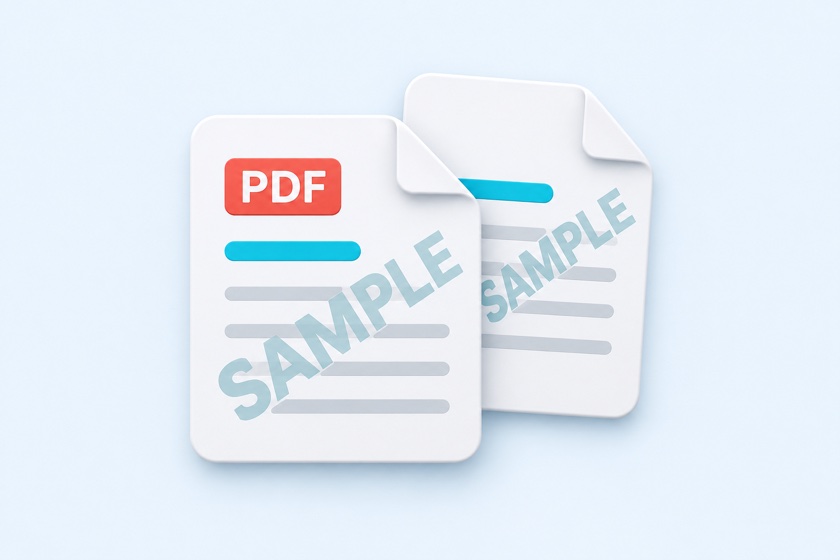
Start with CONFIDENTIAL, DRAFT, SAMPLE, or FOR REVIEW. Enter up to two lines and 40 characters. The {date} token inserts the current date as MM/DD/YYYY.

Add CONFIDENTIAL, DRAFT, SAMPLE, or your logo to PDF pages.
Apply a translucent text or image watermark to all pages or a selected range. Choose a centered, tiled, or corner layout and adjust the angle, size, color, and opacity.
Drop your PDF here
or use the button to choose a file
One PDF at a time. Choose text or a logo after loading.
Large PDFs may take a little longer.
Up to two lines and 40 characters. Use {date} for the current date (MM/DD/YYYY).
Enter watermark text.
Font style (bold)
Color
Watermark image
Placement
Angle
This may be hard to see on white pages. Increase the opacity or choose a darker color.
Watermarks can be removed with PDF editing software. They add a visible label and do not prevent editing or copying.
Start with CONFIDENTIAL, DRAFT, SAMPLE, or FOR REVIEW. Enter up to two lines and 40 characters. The {date} token inserts the current date as MM/DD/YYYY.
Use a PNG, JPEG, or WebP image. Transparent PNG logos keep their transparency. HEIC images must be converted first.
Apply to all pages, skip the cover, or specify a range. Use centered, tiled, or corner placement with adjustable angle, size, color, and opacity.
Drop one PDF into the tool or click Choose PDF. Your file is opened in your browser without uploading it.
Choose text or an image. Set the placement, angle, size, and opacity, then browse the pages to check that the document remains readable.
Click Apply watermark and download. The PDF file name ends with _watermark.pdf. Original page text remains searchable.
| Text | Typical use |
|---|---|
| CONFIDENTIAL | Label internal or restricted distribution documents. |
| DRAFT / FOR REVIEW | Identify documents that are still being revised. |
| SAMPLE | Mark sample designs, templates, or proposals. |
| DO NOT COPY | Add a visible request about redistribution. |
| For recipient only + {date} | Identify the intended recipient and distribution date. |
A watermark adds a visible label over the document. It does not encrypt the file, prevent copying, or prove approval. PDF editing software can remove the added watermark.
Use Redact PDF to remove sensitive content. Adding a translucent watermark over a name or address does not remove that information.
Yes. PDF editing software can remove it. Watermarks provide a visible label, not copy protection or tamper prevention.
The default is gray at 20% opacity. Lower the opacity or use a lighter color if it interferes with the text. Review every page before sharing.
Yes. The original pages are preserved and a watermark image is placed on top. Existing text can still be searched and copied.
It adds the watermark image data. The same image is reused across pages, so it is not embedded separately for every page.
Yes. The controls support touch input. Large PDFs may need more memory than a phone has available; try fewer pages or use a computer.
No. Loading, previews, processing, and output generation take place in your browser. No account or installation is required.