Change the format
Save PDF pages as JPG or PNG, combine photos into a PDF, or resize pages for a widescreen presentation.

Convert, merge, split, compress, and edit PDFs in your browser. Choose a task below to get started without an account or installation.
Save pages as images, turn photos into PDFs, or resize a document for screens.
 Convert
 every page or a selected range into JPG or PNG images. Choose the quality and download individual images or a ZIP.
Open tool Convert
Combine JPG, PNG, WebP, or HEIC images into a PDF. Reorder photos and choose a US Letter, A4, or custom layout.
Open tool Convert
Join PDF pages vertically into one long JPG or PNG image for chats and mobile sharing.
Open tool Resize
 PDF pages for widescreen slides and screen sharing. Add padding or crop to fill, with a page-by-page preview.
Open toolArrange your files and pages before printing, sharing, or submitting a document.
 Organize
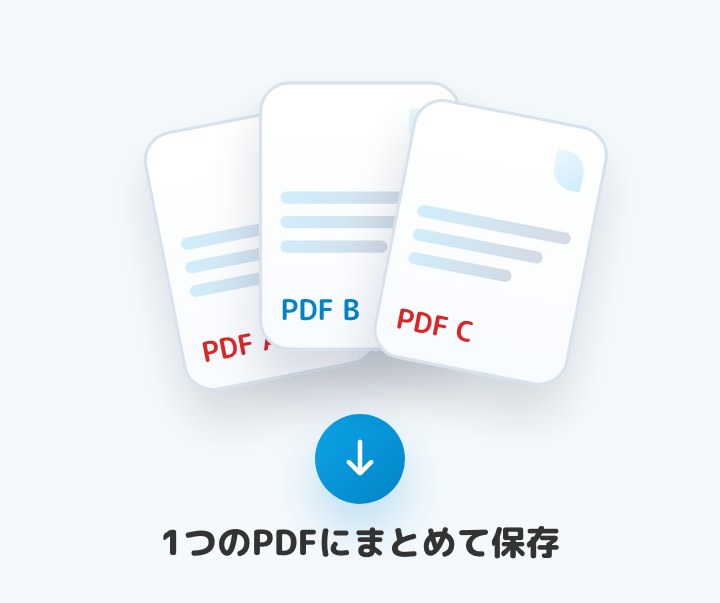
Combine multiple PDFs into one file. Reorder with drag and drop, use move buttons, or sort by file name.
Open tool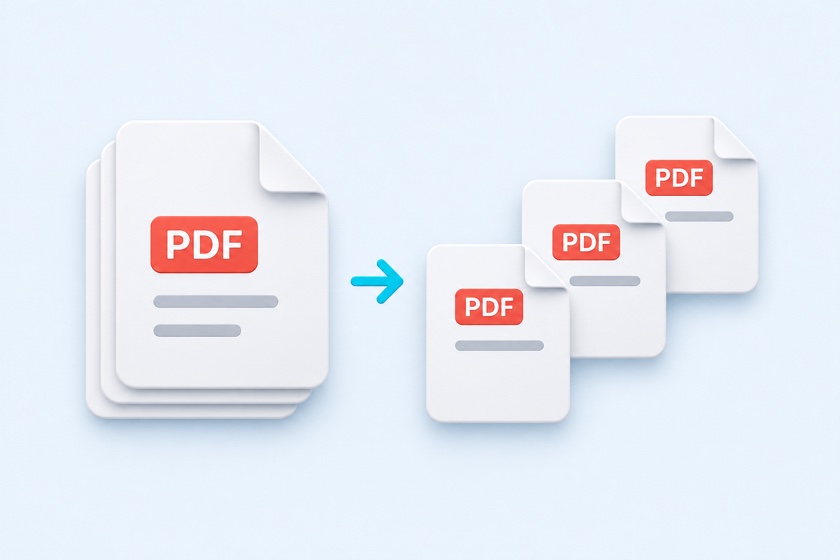 Organize
Separate a PDF at custom split points, divide it by page count, or export each page as its own file.
Open tool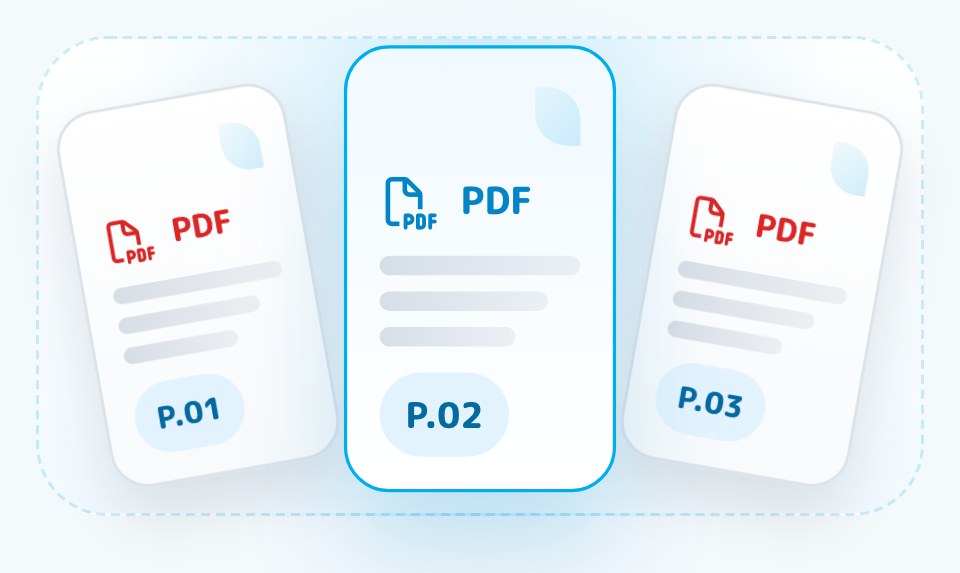 Edit
Reorder, delete, rotate, and insert PDF pages. Add blank pages, choose insertion points, and undo edits.
Open tool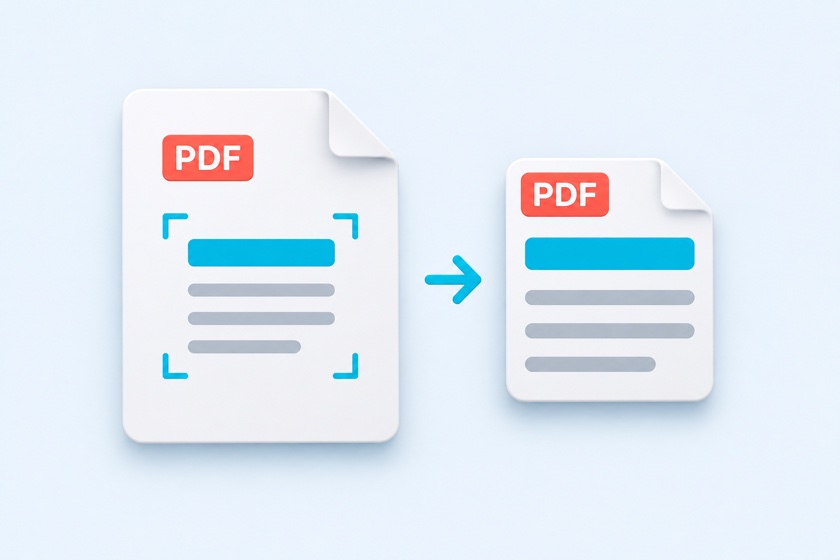 Crop
Auto-detect and trim blank borders on scanned pages. Set one crop for all pages, separate odd and even pages, or adjust by hand.
Open toolSeparate book scans, combine spreads, or put several pages on a US Letter sheet.
 Layout
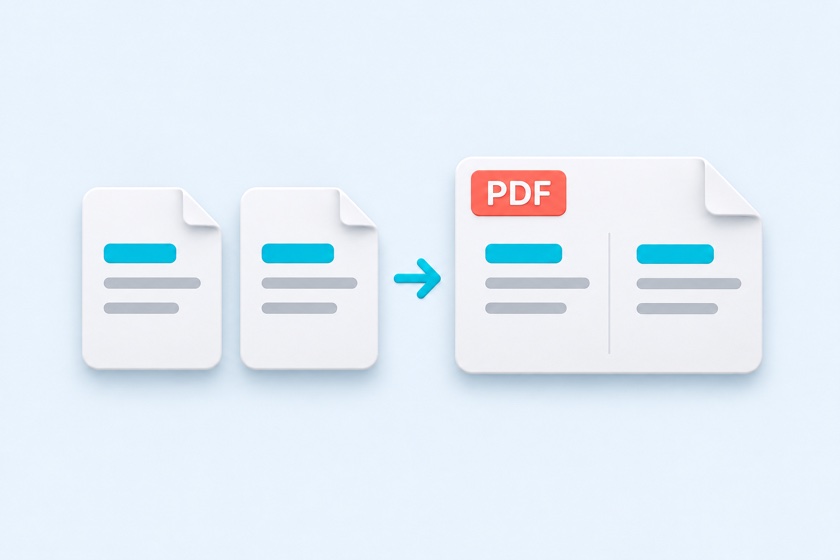
Join two pages side by side as a PDF spread. Preview the arrangement and keep the cover separate in booklet mode.
Open tool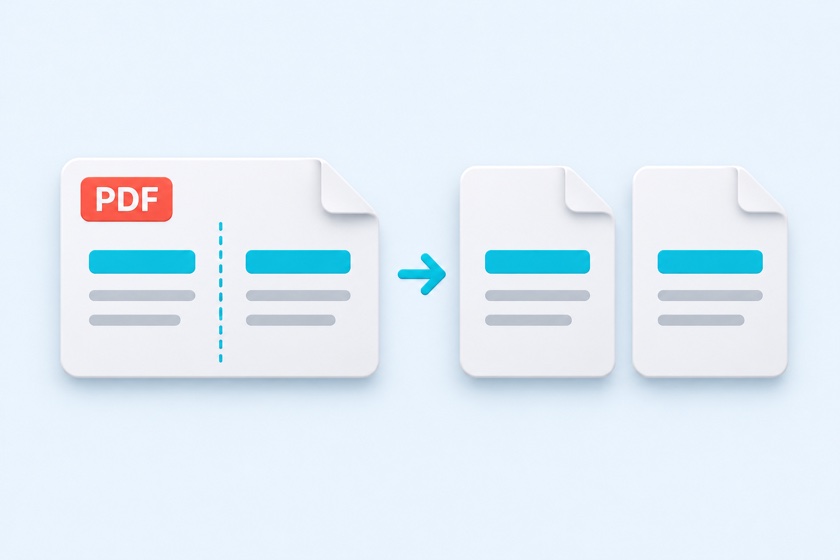 Layout
Split scanned book spreads left and right or top and bottom. Adjust the split line and choose the reading order.
Open tool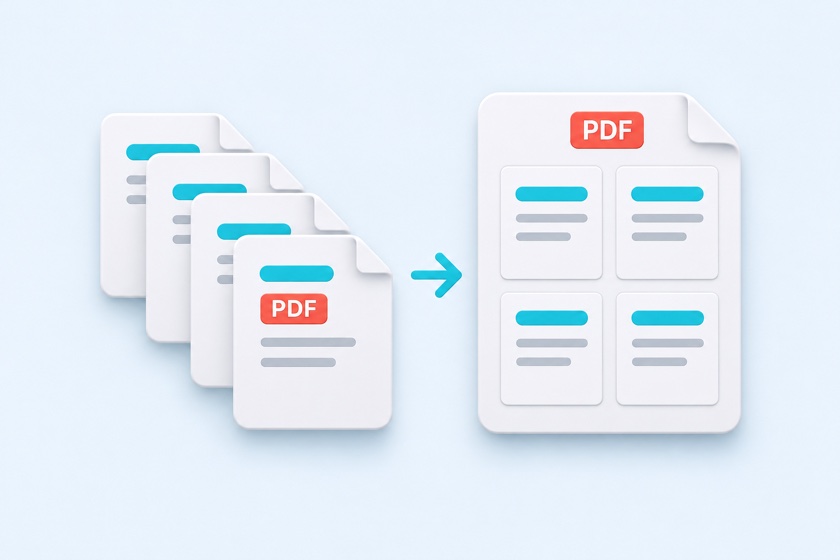 Print
Put 2, 4, 6, 8, 9, or 16 PDF pages on one sheet. Choose US Letter or A4, margins, page order, spacing, and borders.
Open tool Number
Add searchable page numbers at the top or bottom. Skip cover pages and mirror the position on even pages for double-sided printing.
Open toolLabel drafts, remove selected sensitive details, or reduce attachment file size.
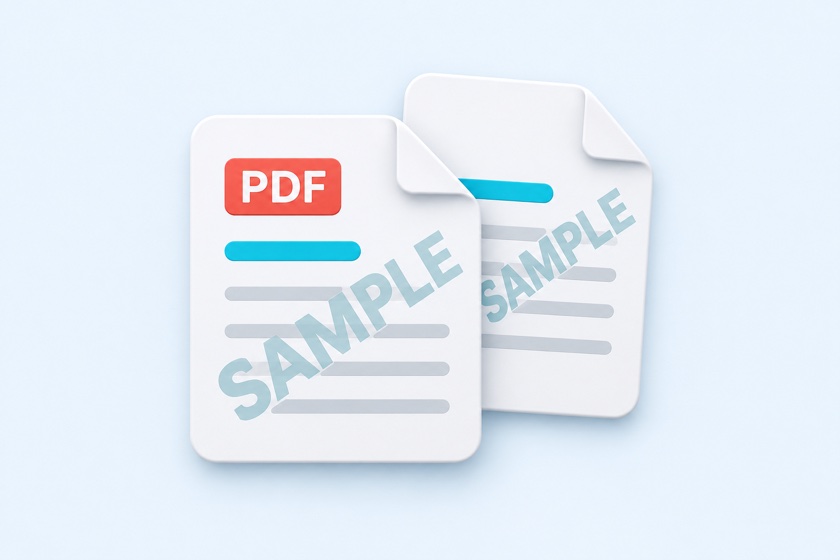 Watermark
Add CONFIDENTIAL, DRAFT, SAMPLE, or a logo to selected PDF pages. Adjust placement, angle, size, and opacity.
Open tool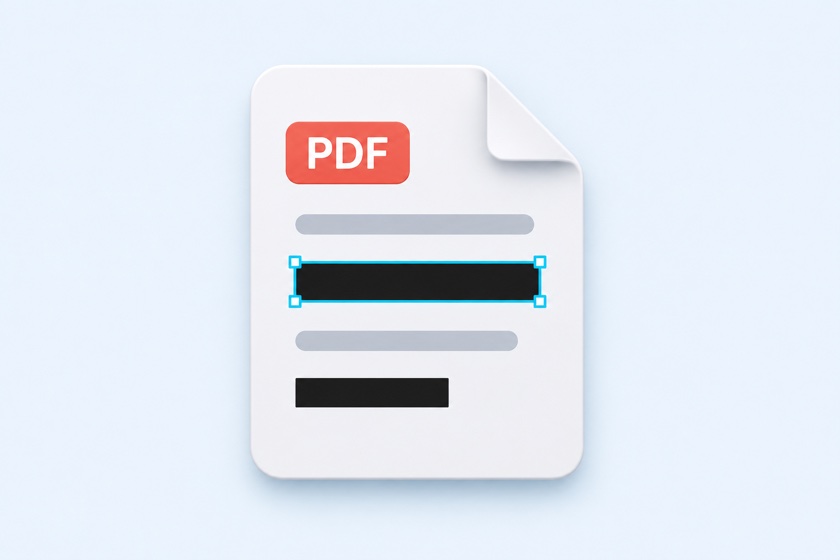 Redact
Black out text and images. Marked pages are rebuilt as images, with a text-layer check before download.
Open tool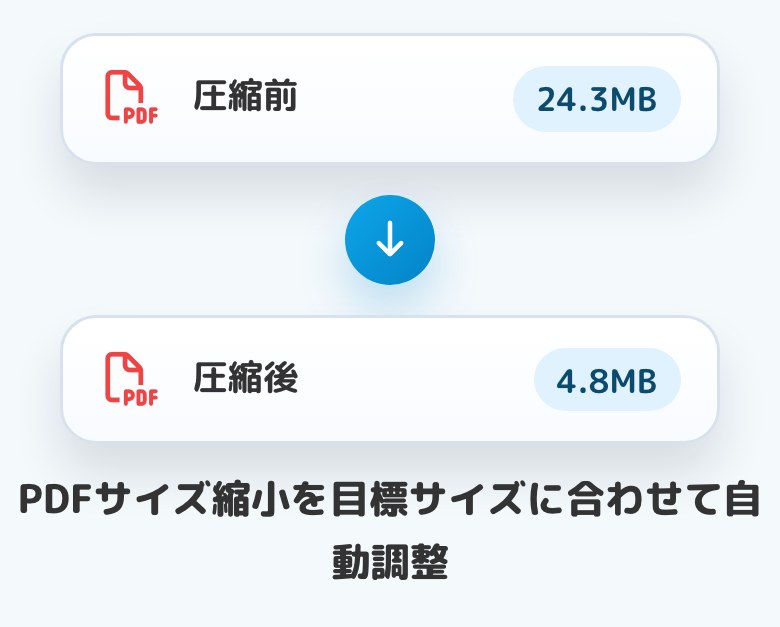 Compress
Reduce file size for email and upload limits. Try 500KB, 1MB, 2MB, 5MB, 10MB, or a custom target.
Open toolStart with the result you need: an image, a single combined document, a print handout, or a smaller file ready to share.
Browse PDF toolsSave PDF pages as JPG or PNG, combine photos into a PDF, or resize pages for a widescreen presentation.
Merge files, extract pages, rotate scans, crop margins, or create multiple-pages-per-sheet handouts.
Add page numbers or a watermark, redact selected details, and reduce file size for email or an upload limit.
Merge PDF joins separate PDF files into one. Split PDF separates a document into smaller files. To rearrange or remove individual pages, use Organize PDF Pages.
Split PDF Pages in Half separates scanned book spreads. Follow it with Crop PDF Margins to trim blank borders. For printed slides or reports, N-up PDF fits multiple pages on a US Letter or A4 sheet.
Watermark PDF adds a visible label such as DRAFT or CONFIDENTIAL. Redact PDF removes selected details by rebuilding marked pages as images. Compress PDF reduces file size for sharing.
Watermarks and cropping do not remove underlying sensitive information. With redaction, review every output page: the automatic text check verifies rebuilt pages, not whether you marked every detail.
Choose a tool, open your file, review the result, and download it.
The listed PDF tools process your selected files on your device.
No account or software installation is needed to use the tools.
Work in a browser on Windows, Mac, iPhone, or Android. Large jobs can benefit from a computer.
Common questions about choosing and using a PDF tool.
Yes. The tools on this page are free to use without an account or software installation.
The listed tools process PDF files in your browser. Your selected files are not uploaded to Benri Lab servers for processing.
Use Merge PDF to combine files, Split PDF to separate them, Organize PDF Pages to reorder or delete pages, and Compress PDF to reduce file size. Use Crop PDF Margins for blank borders and Redact PDF to remove selected sensitive details.
No. Cropping margins and splitting spreads change the visible area; hidden content remains in the PDF. Use Redact PDF for content you need to remove and review the exported file.
Yes. The tools support touch controls in a browser. Large files or high-resolution output can need more memory than a phone has available, so a computer may work better for those jobs.
Choose a tool above to convert, organize, print, or share your document.